Raw dictation has a voice of its own, and it is rarely the one you would have picked. It punctuates where it wants, polishes when you wanted it left alone, and writes a Slack reply with the same starch as a legal memo. May was the month we handed that decision back to you. Most of what we shipped comes down to one idea: you should control how your words come out, app by app, and Epilude should stay out of the way otherwise.
Two dials for every dictation
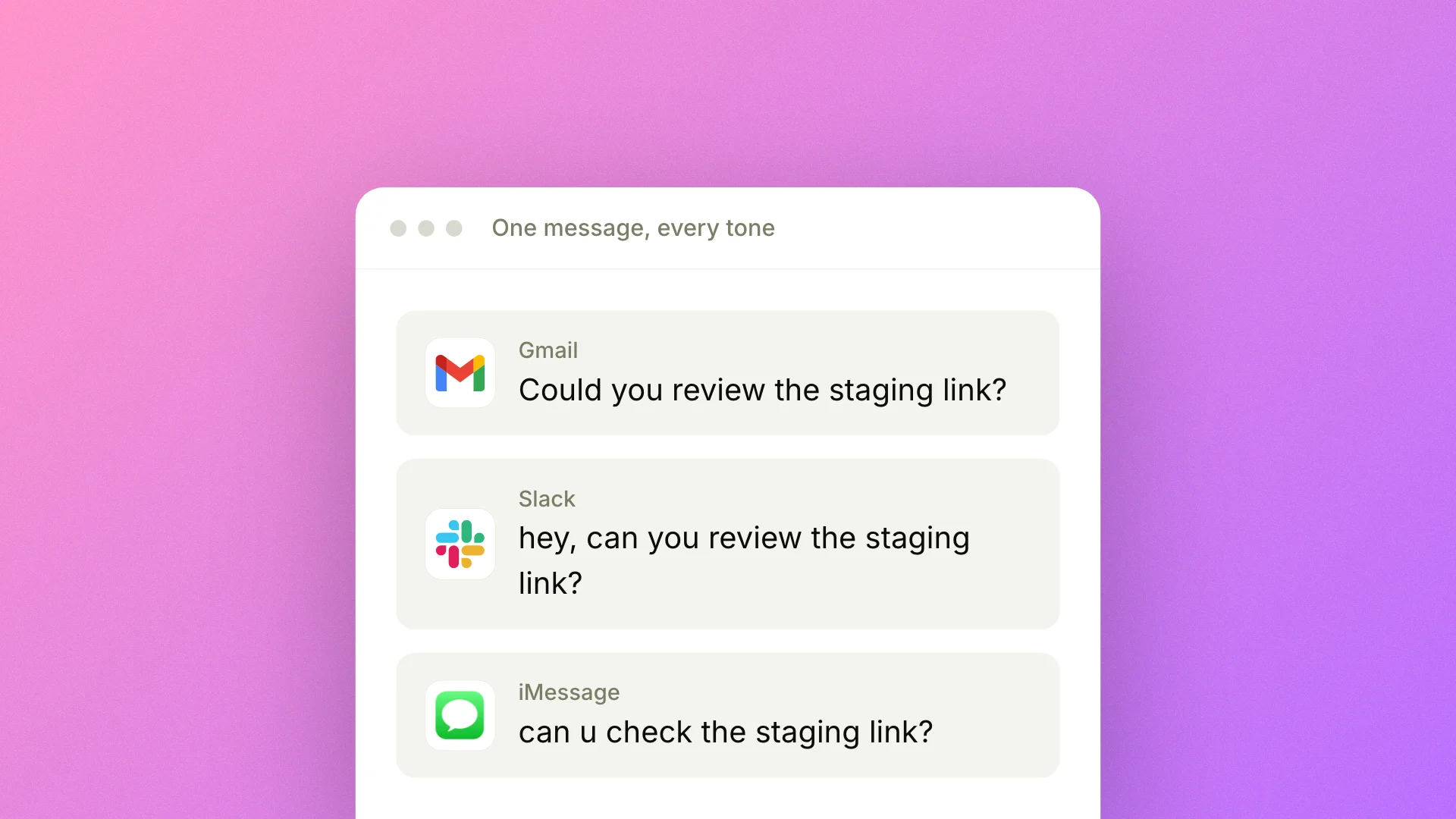
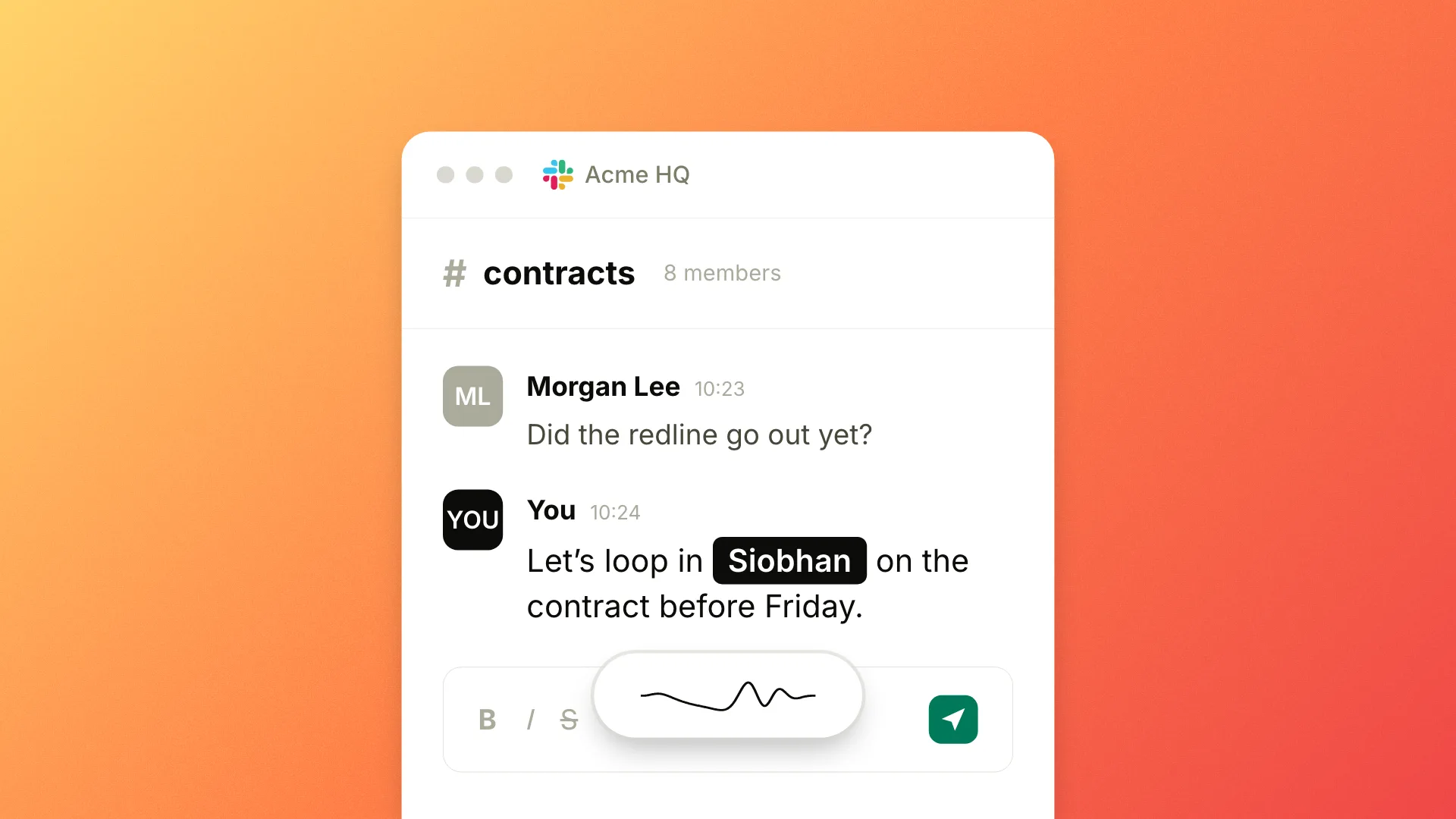
The biggest change we shipped in May gave dictation two controls that compose. Tone Match decides the tone per app: terse and lowercase for iMessage, full sentences for Apple Mail, whatever you set for each category. Cleanup decides how much the model edits, on a four-level dial from None (your verbatim transcript) to High (a tight rewrite). Set each once. From then on, a message to a client comes out formal and clean while a note to a friend stays loose, with no setting to touch between them.
They work together on purpose. Medium Cleanup inside your Apple Mail tone gives you full-sentence prose; None inside your iMessage tone leaves your words exactly as you said them. One sets the voice, the other sets the polish, and you adjust them independently.
Output that reads like you wrote it
We also retuned Cleanup so the result sounds like your own writing. Earlier versions leaned toward the same neutral, slightly processed prose at every level. We kept the higher levels rephrasing for clarity while dropping much of that generic rewrite, so a cleaned-up paragraph still reads like something you would have written on a good day.
Every dictation now keeps both versions. If a cleanup goes further than you wanted, hover the row on your Home dashboard and pick Undo AI edit to fall back to the raw transcript, or flip it back. Whatever you said is preserved, so an edit is never one-way.
A Home dashboard that stays on your Mac
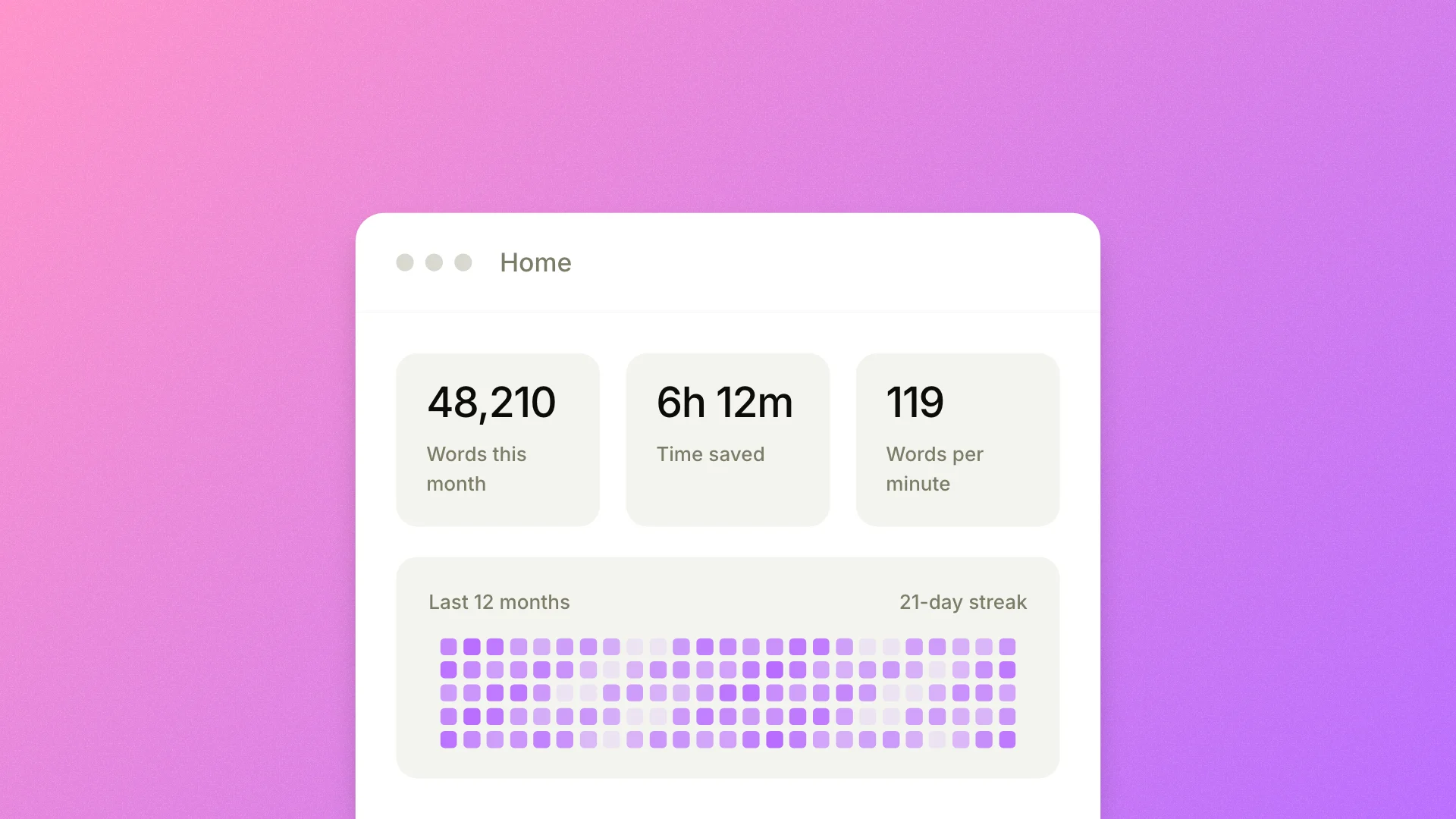
In May we also added a Home dashboard. It shows your dictation at a glance: total words, time saved, words per minute, a twelve-month activity heatmap, and the apps you have been dictating into most. A streak strip marks the days you showed up and stays quiet about the gaps.
All of it is computed and stored on your Mac. None of those stats leave your Mac, and you can turn the tracking off with one toggle. It is the same principle we follow in Local Mode, where Epilude Model 1 runs on your Mac and your audio never leaves it. Your activity is yours to see, not ours to collect.
Snippets, and a quieter polish pass
Two smaller things rounded out the month. Snippets let you save a short trigger like "office address" and have Epilude expand it to the full text whenever you dictate it. A late-May refinement made them safer with everyday phrases: a Snippet now fires only when its trigger is the whole dictation, so saying "let me give my intro to the team" no longer trips your "my intro" Snippet.
The dictation widget also got a new pill design, with the recording, refining, and error states sharing one shape, and the refining state now tells you what the model is doing instead of spinning a generic wheel. A new app icon and logo landed in the same stretch. None of it changes what dictation does. It makes the second you spend watching the widget a little better.