Dictation gets the easy words right and the ones that matter wrong. Your cofounder's name, your company's acronym, the client you email ten times a day: the transcript mangles them, and you fix the same word by hand on every message. It is a small tax, and you pay it constantly.
Today we're launching Vocabulary. Teach Epilude how to spell the names, brands, and jargon you use, and it spells them your way on every dictation, in any app on your Mac.
How it works
Open Epilude and choose Vocabulary in the sidebar. Add a word as a pair: the phrase you say, and the spelling you want back. From then on Epilude applies it on every dictation, before Cleanup runs, so your spelling always wins.
You can also teach it a word without opening the app. Select a name that came out wrong in any text field, press ⌘⇧D, and Epilude opens the editor with the word already filled in. If you keep a glossary in a spreadsheet, import the whole list at once, one entry per row.
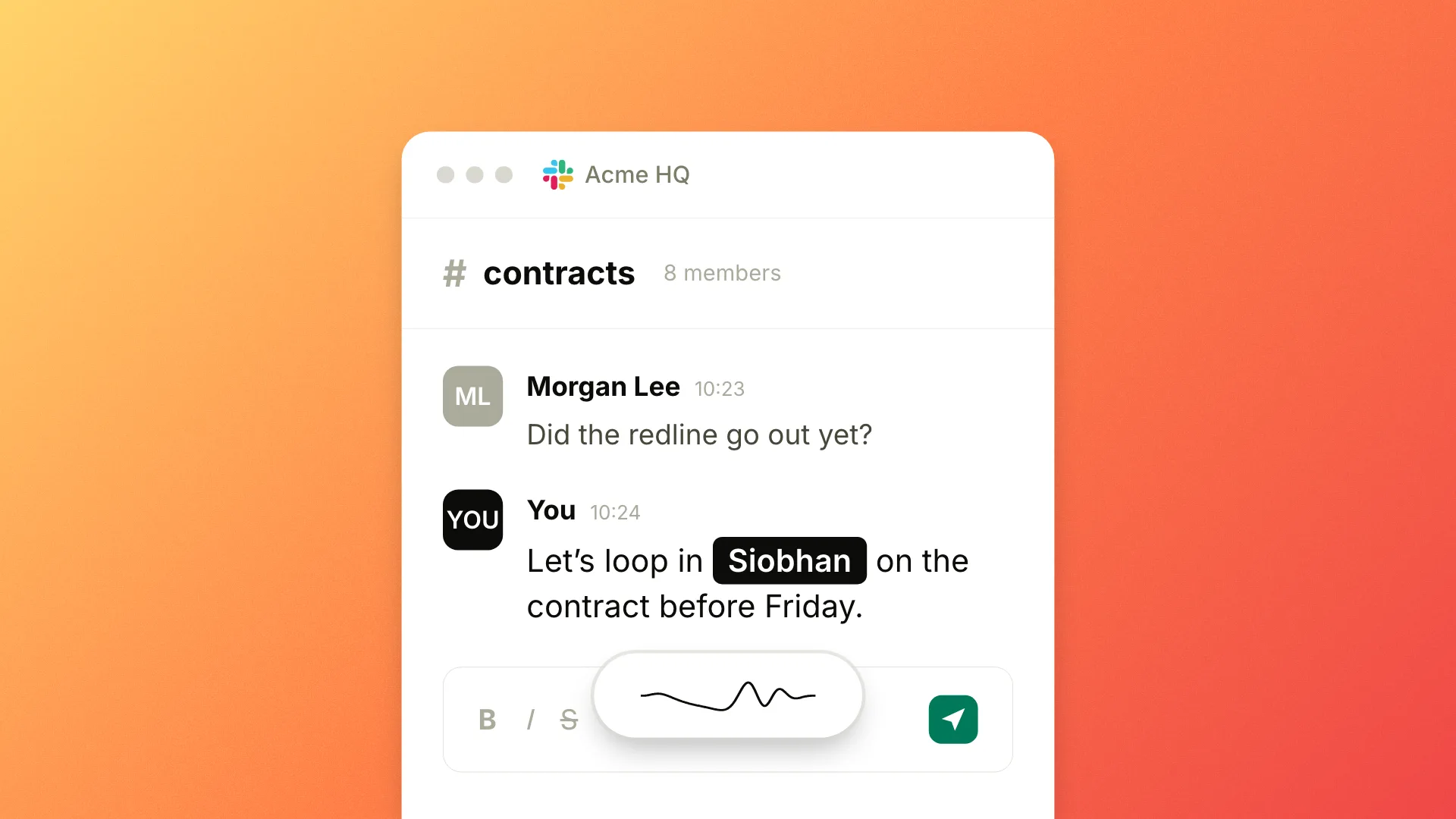
Here is the difference on a single sentence. You say, "let's loop in Adeyemi on the contract." Without a Vocabulary entry, the transcript guesses: "Let's loop in Adelmi on the contract." With one saved, it lands right: "Let's loop in Adeyemi on the contract." The more names and terms you add, the fewer corrections you make by hand.
Vocabulary works the same in Cloud mode and in Local Mode. In Local Mode, where Epilude Model 1 runs on your Mac, your words and the spellings you save never leave the Mac.
Availability
Vocabulary is available now to everyone, including during the free trial. Open it from the Vocabulary section in Epilude's sidebar. If you tried it while it was in testing, your existing entries carry over with nothing to redo.