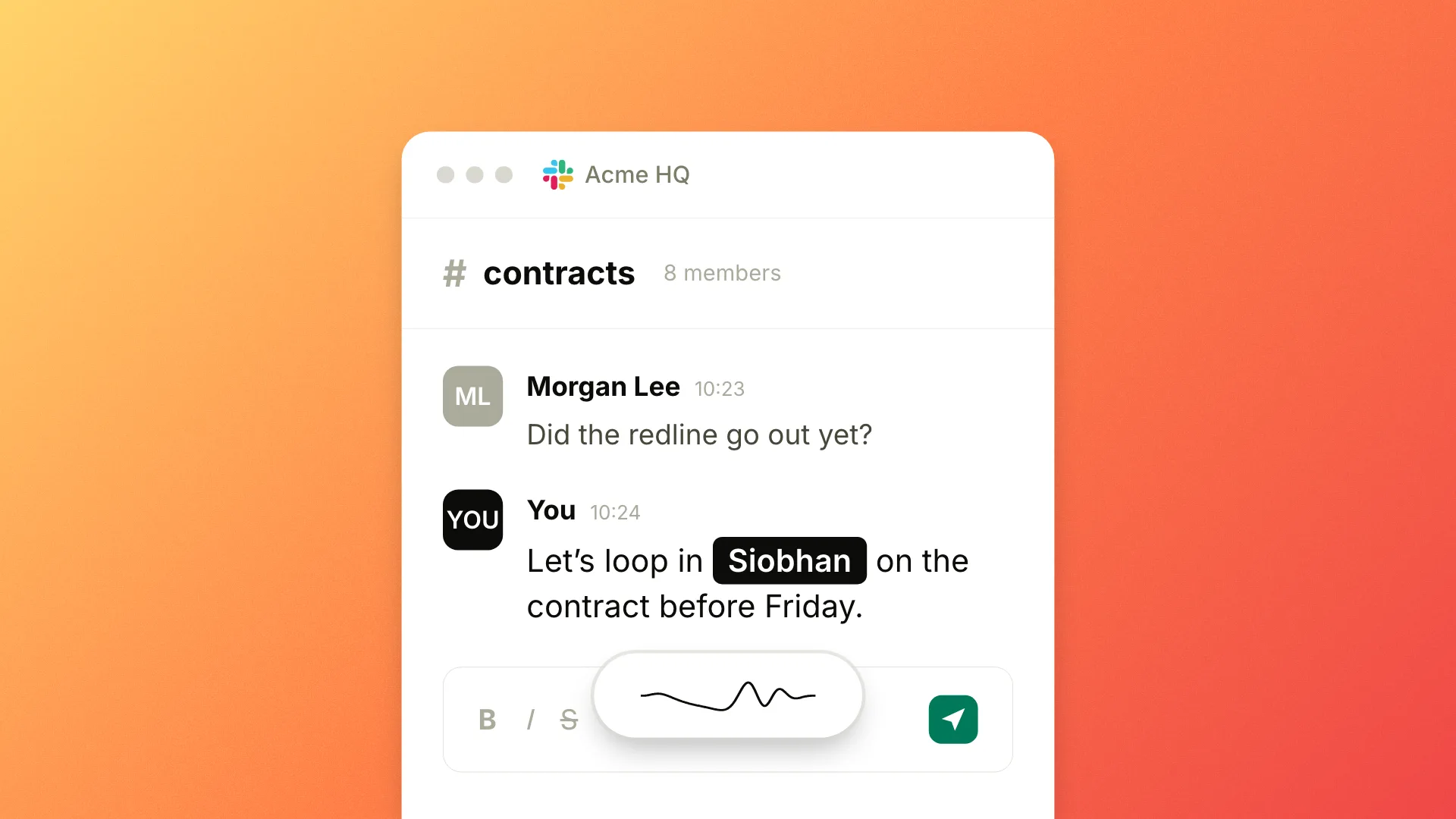
Today we're shipping Actions. Select text in any app, say the change you want, and Epilude rewrites it where it sits.
How it works
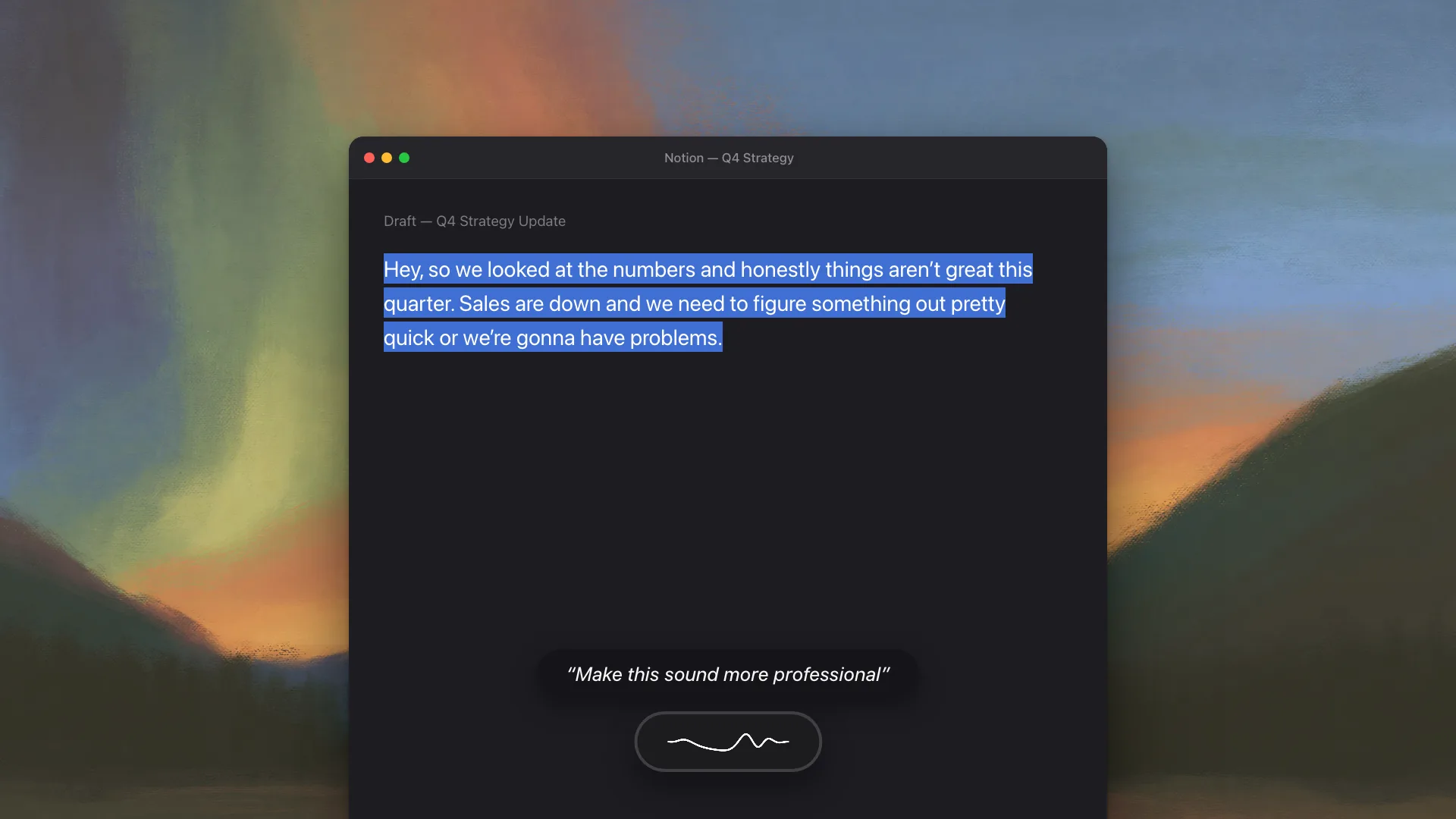
Actions work in three steps, anywhere on your Mac. Highlight text in any app. Hold your Actions hotkey, which is its own key combination, separate from the one you press to dictate. Say what you want changed, then release. The selection is replaced with the result, and your clipboard goes back to whatever was on it before.
The command is plain language. "Make this shorter." "Fix the grammar." "Translate to Spanish." "Rewrite this as three bullet points." There is no syntax to learn. The moment you have to remember a command name, you have stopped writing and started operating software.
Here's an example:
hey here are teh q3 numbers, revenue was up like 20% and we
deffinately hit our target i think
Select it, hold your Actions hotkey, say "make this professional", and release:
Hi, here are the Q3 numbers. Revenue was up around 20% and I
believe we hit our target.
And ⌘Z undoes an Action the way it undoes anything else, because an edit you cannot take back is an edit you will not risk on a document that matters.
Actions runs in Cloud mode for now, and needs you signed in. Your spoken command and the text you selected are sent to the Epilude cloud to be transformed, so the Actions hotkey routes through the cloud even if you normally dictate in Local Mode. Dictation itself is unchanged: in Local Mode it still runs entirely on your Mac. On-device Actions is what we are building next.
Availability
Actions is available now on every plan that includes Cloud mode. The guided setup runs the first time you open it. The full walkthrough is in the Actions guide.